Personal Brand Coach Website Launch: Book Clients Fast

Your personal brand coach website launch comes down to five moves: finish your unique value proposition (UVP), pick the right platform, build five core pages, connect booking and payment, then run a seven-day launch sequence. Do those five things and your site works as a client-acquisition engine from day one, not a digital brochure that sits quietly in a corner.
Quick-start checklist:
- Write your one-sentence UVP and ideal-client statement before you touch a template
- Choose your platform: Kajabi for course-first coaches, WordPress for SEO-first growth, Squarespace to publish fast with minimal tech overhead
- Build five core pages: Home, About, Services/Work With Me, Booking, and Blog/Resources (plus a Privacy Policy)
- Connect a booking widget, intake form, and payment processor, then test the full flow end-to-end
- Install Google Analytics (GA4) and set up basic event tracking on your booking button
- Publish a seven-day launch email and social sequence before you go live
Immediate next steps: (1) Complete a one-paragraph UVP using the template in Step 1 below. (2) Draft your Services page with an outcome-led headline, package details, and a price or price range. (3) Add a booking widget, run a test payment, and confirm the confirmation email fires correctly. Grab the free coach site checklist to keep every item organized.
Table of Contents
- What does a personal brand coach website launch actually mean?
- How long does a coach website launch realistically take?
- Step 1: Define your niche, ideal client, and UVP before you build anything
- Step 2: Build your website home base with pages that convert
- Step 3: Which platform should you choose — Kajabi, WordPress, or Squarespace?
- Step 4: How do you drive visitors to a brand-new coaching site?
- Step 5: Pre-launch checklist and your 30/60/90-day plan
- How do you measure whether your coach website launch is working?
- How Sierra Lin Design launches coaching websites: real examples
- Key Takeaways
- The launch order that actually matters
- What Sierra Lin Design builds for coaches ready to launch
- Selected sources and further reading
- FAQ
What does a personal brand coach website launch actually mean?
A personal brand launch is not a social media campaign. It is the deliberate, strategic moment when you publish an owned channel, your website, that works around the clock to attract qualified prospects, pre-sell your offer, and convert visitors into booked calls without you being in the room.
Personal branding is the intentional, strategic practice of defining and expressing your value, according to Harvard Business School Senior Lecturer Jill Avery. A website is where that value lives permanently. Social platforms are rented land: algorithms shift, reach drops, and you never own the audience. Your website is yours.
A coaching website has three jobs. First, it clarifies who you help and what changes for them. Second, it pre-sells the offer so a prospect arrives on a discovery call already convinced. Third, it converts with a simple, frictionless booking flow. Miss any one of those three and the site underperforms, no matter how good it looks. Read more on why coaches need personal websites to grow beyond social-only reach.
How long does a coach website launch realistically take?
Writing the copy and gathering testimonials almost always takes longer than the technical build. Plan your timeline around content, not code.
| Phase | Fast Launch | Standard Launch | Custom Launch |
|---|---|---|---|
| Strategy (UVP, offers, pages) | 1 day | 3–5 days | 1–2 weeks |
| Core pages + template build | 1–4 days | 1–2 weeks | 3–6 weeks |
| Booking + payments setup | Same day | 1–2 days | 2–5 days |
| SEO + analytics install | Same day | 1 day | 2–3 days |
| Pre-launch promotion prep | 1 day | 2–3 days | 3–5 days |
| Soft launch + QA | Hours | 1–2 days | 3–5 days |
| Total | 1–4 days | 1–3 weeks | 3–8+ weeks |
A Squarespace or Kajabi fast launch is realistic in one to four days when copy and images are ready. WordPress custom builds typically run one to three weeks for templated work and longer for complex integrations. Budget at least two weeks just for copy and testimonials prep, regardless of platform.
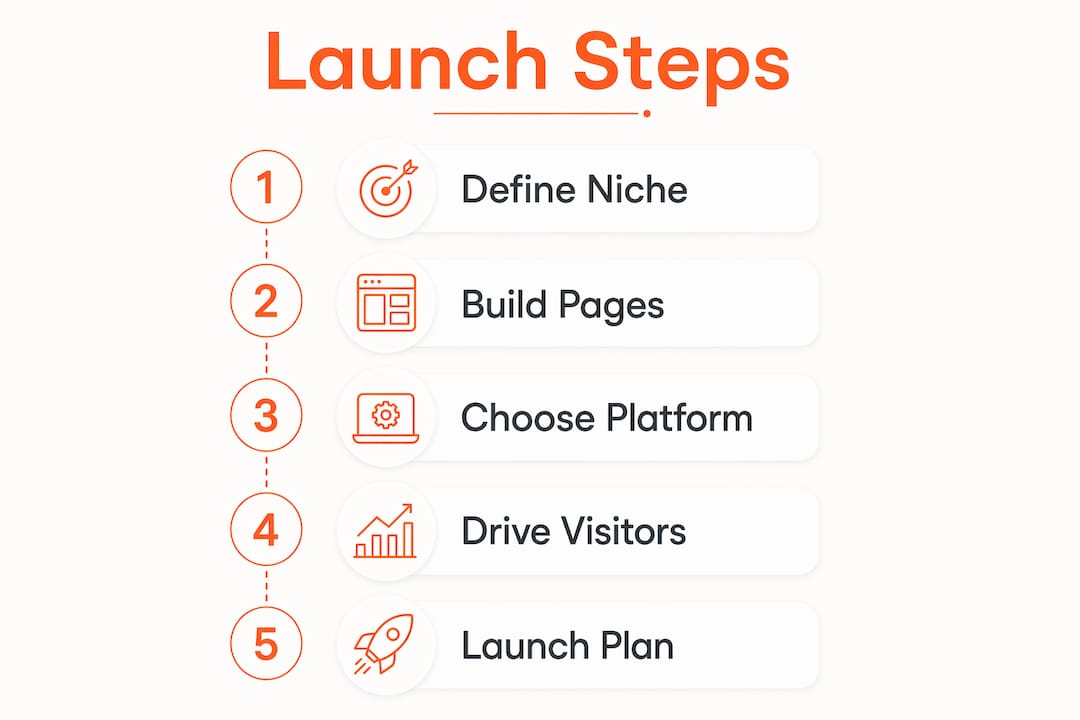
Step 1: Define your niche, ideal client, and UVP before you build anything
Finish your niche and one-sentence UVP before you write a single web page or brief a designer. A website without a narrative-driven strategy rarely resonates, no matter how polished the visuals. The Harvard personal branding framework puts identity and UVP definition as step one for exactly this reason: design alone cannot fix a weak strategy.
Here is a practical worksheet you can complete in 10–20 minutes:
- Ideal-client demographics: Who are they? Job title, career stage, income level, or life situation.
- Primary pain: What keeps them stuck right now? Be specific, not generic.
- Desired outcome: What does their life or business look like after working with you?
- Top objections: Why might they hesitate to hire you? Price, time, skepticism?
- UVP sentence: "I help [specific person] achieve [specific result] through [your method or differentiator]."
A specific niche statement like "I help first-time managers lead with confidence in their first 90 days" speaks directly to one person and converts better than vague "I help people" messaging. The more precise your UVP, the less convincing your website has to do. For a deeper look at crafting a unique selling proposition, that resource walks through the full process step by step.
Pro Tip: Validate your UVP before finalizing your site copy. Post three pieces of content using your niche statement and track which one gets the most replies, saves, or DMs. Or send a short outreach message to five warm contacts. Real responses beat assumptions every time.
Step 2: Build your website home base with pages that convert
Build only pages that serve a single conversion job. Start with Home, About, Services/Work With Me, Booking/Contact, Blog/Resources, and a Privacy Policy. A coaching website that functions as a client-acquisition system needs all six of those pages working together.

Here is what each page must do:
Home: Your UVP headline above the fold, a brief "who this is for" statement, and one CTA button to your Services or Booking page. No long bios, no cluttered menus.
About: Tell the story that makes you credible and relatable. Lead with the client's transformation, not your resume. End with a CTA.
Services/Work With Me: This is your highest-converting page. Lead with an outcome-focused headline, then list each package with its name, duration, what is included, investment (price or range), and one proof case. Hiding pricing loses prospects; visible pricing increases conversion. End with a single CTA button per package.
Booking/Contact: Embed your scheduler directly on the page. No "email me and we'll figure it out." Friction kills conversions.
Blog/Resources: Even two published posts signal that you are active and credible. This page also feeds your SEO over time.
Conversion checklist for every page: booking embed, intake form, payment integration, visible pricing, one CTA per page, and at least one social proof element (testimonial, result, or case study). See the web design best practices for coaches guide for the full UX checklist.
Pro Tip: Publish a functional site that converts before obsessing over visual identity. A clear offer with a working booking flow will generate revenue faster than a visually perfect site with no CTA. Iterate the design after you validate the offer. If you catch yourself tweaking fonts instead of testing your booking flow, you might be overthinking your personal branding.
Step 3: Which platform should you choose — Kajabi, WordPress, or Squarespace?
Choose by primary need: courses and funnels point to Kajabi, SEO and content scale point to WordPress, and the fastest publish with the lowest tech overhead points to Squarespace. Platform choice depends on your technical comfort, SEO goals, and how tightly you need coaching delivery integrated with your website.

| Kajabi | WordPress | Squarespace | |
|---|---|---|---|
| Best for | Course-first coaches, funnels, all-in-one delivery | SEO-first growth, content-heavy sites | Fast brochure launch, low maintenance |
| Ease of use | Moderate; purpose-built for coaches | Steeper learning curve; plugin-dependent | Easiest; drag-and-drop |
| Cost range (monthly) | $119/month | $10–$50 hosting + plugins | $12/month |
| Built-in course/sales features | Yes, native | No; requires plugins (LearnDash, WooCommerce) | Limited |
| Time to launch | 1–7 days with a template | 1–3+ weeks | 1–4 days |
Kajabi's all-in-one setup, website, email, courses, and checkout in one dashboard, reduces client onboarding friction significantly. You are not stitching together five tools and hoping they talk to each other. WordPress gives you the most SEO control and the widest plugin ecosystem, but you own the maintenance burden. Squarespace is the right call when speed matters more than scalability and your offer is simple.
One trade-off worth naming: Kajabi's monthly cost is higher, but it replaces tools you would otherwise pay for separately (email platform, course host, checkout software). For coaches who plan to sell digital products alongside one-on-one work, that math often favors Kajabi from the start.
Step 4: How do you drive visitors to a brand-new coaching site?
Content and email are the most reliable early channels. Pick one primary content channel and build an owned email list alongside it. Consistent publishing on one channel compounds over time; trying to be everywhere at launch dilutes both effort and results.
SEO checklist for early wins:
- Target niche phrases: service type + audience + location when relevant (e.g., "executive coach for tech leaders in Austin")
- Write meta titles at 60 characters or fewer and meta descriptions at 150–160 characters
- Add descriptive alt text to every image
- Publish one pillar Services page and at least two supporting blog posts before launch
- Set up Google Search Console and submit your sitemap on day one
Content ideas tailored to coaches:
- "How to pick the right coach for [your niche audience]"
- Client teaching posts: walk through a transformation without naming the client
- Long-form posts on the exact problem your ideal client Googles at 11 PM
- Lead magnet topics: a free audit, a five-day email course, or a resource guide tied to your signature offer
Seven-day launch email sequence:
- Day 1: Welcome and your story (why you do this work)
- Day 2: The problem you solve and why it matters now
- Day 3: Your signature offer, explained simply
- Day 4: Social proof (a result, a testimonial, a before-and-after)
- Day 5: FAQ (address the top three objections)
- Day 6: Direct CTA to book a discovery call
- Day 7: Follow-up for anyone who clicked but did not book
For a broader look at building an online presence from scratch, that guide covers the full owned-channel setup in detail.
Step 5: Pre-launch checklist and your 30/60/90-day plan
Run through this pre-launch QA list before you hit publish:
- Test the booking widget end-to-end: submit a form, confirm the confirmation email fires, check the calendar invite
- Run a mobile check on every page (over half of coaching site traffic arrives on phones)
- Confirm GA4 is installed and the booking button fires an event
- Check all meta titles and descriptions are filled in
- Verify your privacy policy is live and linked in the footer
- Publish one to two blog posts so the site does not look empty
- Confirm your lead magnet download or opt-in sequence works
- Test every CTA button and contact form
30-day activation: Send your launch email sequence, reach out personally to 20–30 warm contacts, and post consistently on your chosen content channel. Ask two or three past clients or colleagues for a testimonial you can add to the Services page.
60-day content cadence: Publish two to four pieces of content per month, pitch one guest post or podcast appearance, and start one partnership conversation with a complementary brand.
90-day funnel improvements: Review your GA4 data. If traffic is coming but calls are not booking, the Services page or booking flow needs work. Run a small paid test, a $50 ad to your Services page or a free webinar promotion, to validate your messaging with cold traffic before scaling spend.
How do you measure whether your coach website launch is working?
Track these KPIs from week one:
- Visitors: total sessions and unique users per week
- Leads: email signups or discovery call applications
- Booked discovery calls: the most direct revenue signal
- Booked paying clients: the actual outcome
- Conversion rate: visitor to lead (realistic early target: 1–4%), lead to booked call (realistic early target: 20–40% depending on friction)
- Revenue per month: even a rough number tells you whether the offer is priced right
For instrumentation, set up GA4 event tracking on your booking button and any opt-in form. Use UTM tags on every link in your launch email sequence so you can see which message drove the most clicks. A simple spreadsheet tracking weekly visitors, leads, calls booked, and clients signed is enough for the first 90 days. Add a lightweight CRM (HubSpot's free tier or a Notion pipeline) when volume justifies it. The websites for coaches feature checklist covers the feature setup in more detail.
How Sierra Lin Design launches coaching websites: real examples
Sierra Lin Design's process runs in four stages: a strategy session to lock the UVP and offer structure, a one-week content sprint to finalize copy, a build phase that integrates booking, intake, and payment, and then launch with an initial promotion sequence. The whole sequence is designed so coaches spend their energy on their clients, not on tech.
Two real examples from the portfolio illustrate what that looks like in practice:
Kajabi launch for business coach Minessa Konecky: We built a custom Kajabi website for Minessa that replaced a patchwork of disconnected tools with one cohesive system. The site launched with a clear offer structure, integrated booking, and a Services page that led with outcomes. The result was a site that pre-sold Minessa's offer before a discovery call even started.
Website launch for Silicon Valley Change (leadership and executive coaching): This project required a more content-heavy architecture to support the firm's SEO goals and multiple service lines. We built a structured website with a clear conversion path for each audience segment, from individual leaders to corporate clients.
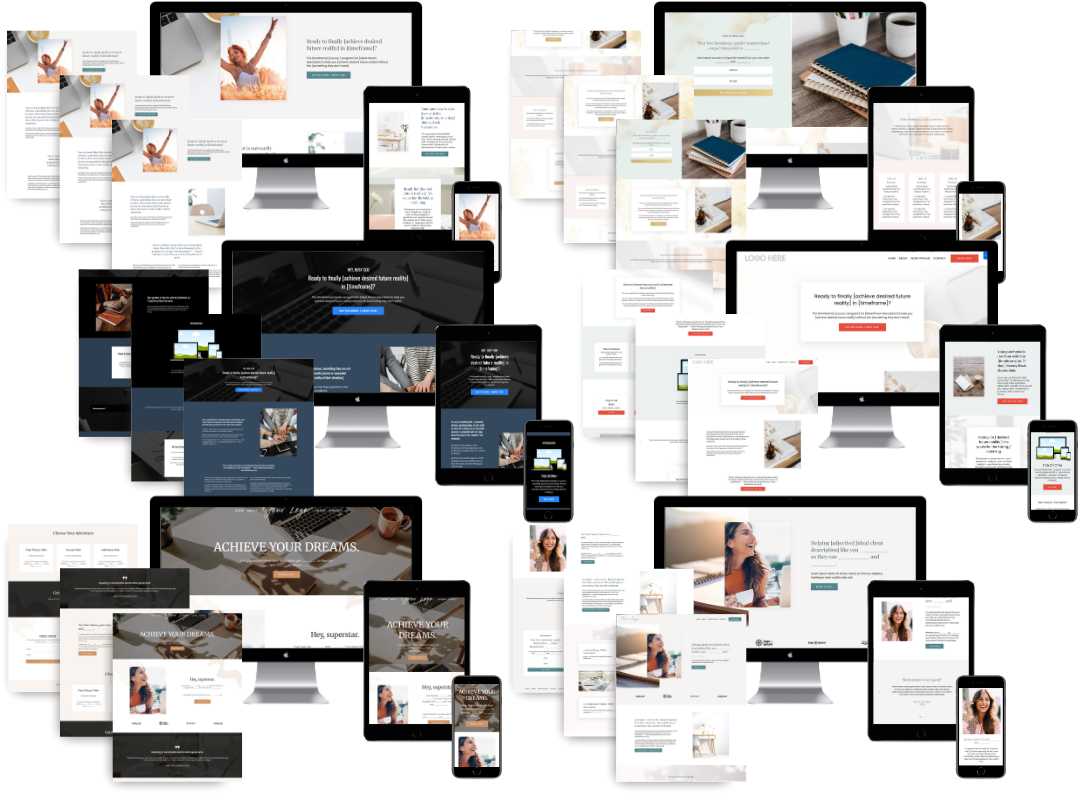
You can browse the full Kajabi web design portfolio to see page layouts, Services page structures, and before-and-after transformations across coaching niches.
Key Takeaways
A successful personal brand coach website launch requires strategy before design: finish your UVP, build conversion-focused pages, integrate booking and payment, and measure results from day one.
| Point | Details |
|---|---|
| UVP before design | Write your one-sentence UVP and ideal-client statement before building any page. |
| Five core pages | Home, About, Services, Booking, Blog, and Privacy Policy are the minimum for a client-acquisition site. |
| Platform by need | Choose Kajabi for courses and funnels, WordPress for SEO scale, Squarespace for the fastest launch. |
| Conversion over perfection | A functional site with visible pricing and a working booking flow outperforms a visually perfect site with no clear CTA. |
| Sierra Lin Design | Offers custom Kajabi website builds for coaches with booking, intake, and payment integrated from day one. |
The launch order that actually matters
Most coaches get this backwards. They spend weeks choosing fonts and debating color palettes before they have written a single word of their Services page. The result is a beautiful site that does not book clients, because the conversion mechanics were never built in.
The sequence that works is strategy first, conversion mechanics second, visual polish after validation. Lock your UVP and offer before you touch a template. Build your Services page before your About page. Get your booking flow working before you worry about whether your hero image is the right shade of coral. Once you have a client or two booked from the site, you have real feedback to inform the design decisions.
The branding for coaches resource covers the full identity-to-launch sequence if you want to go deeper on the strategy side. And if you are looking at real coach sites that convert, the coaching niche website examples page shows what the finished product looks like across different niches.
What Sierra Lin Design builds for coaches ready to launch
If you want a custom Kajabi website that is built to convert, not just to look good, Sierra Lin Design handles the strategy, design, booking integration, and launch setup so you can focus on your clients. The service covers everything from the UVP workshop through to a live, tested site with intake forms, payment, and your launch email sequence ready to go.
For coaches who want to move fast, the free Kajabi templates are a practical starting point. For coaches who want a done-for-you build with conversion strategy baked in, the custom Kajabi web design service is the next step. Book a discovery call directly from that page and bring your UVP draft. The conversation will be worth your time.
FAQ
What pages does a coaching website need to book clients?
A coaching website needs six pages to function as a client-acquisition system: Home, About, Services, Booking, Blog/Resources, and a Privacy Policy. Each page should have one clear CTA and at least one proof element.
How long does a personal brand coach website launch take?
A Squarespace or Kajabi launch takes one to four days when copy and images are ready. A standard templated build runs one to three weeks. Custom WordPress builds or complex integrations typically take three to eight or more weeks.
Should I show pricing on my coaching website?
I prefer showcasing a starting point pricing in a price qualifier question on your call booking form. This can look something like: "Coaching starts at $___. Is this in your budget?".
Visible pricing increases conversion because it pre-qualifies prospects and removes friction before the discovery call.
Which platform is best for a coach website launch?
Kajabi is best for coaches selling courses or digital products alongside one-on-one work. WordPress suits coaches focused on long-term SEO and content scale. Squarespace is the fastest path to a live site with the lowest ongoing maintenance.
How does Sierra Lin Design help with a coaching website launch?
Sierra Lin Design builds custom Kajabi websites for coaches with strategy, design, booking integration, and launch setup handled end-to-end, so coaches go live with a conversion-ready site rather than a static brochure.
Recommended
 Sierra Janisse · Founder of Sierra Lin Design
Sierra Janisse is a verified Kajabi Expert who helps online business owners build profitable websites on Kajabi. From SEO and copywriting to website design, branding, automations and funnel strategy, she is the go-to expert for Kajabi users who want to attract more clients and customers with their websites.
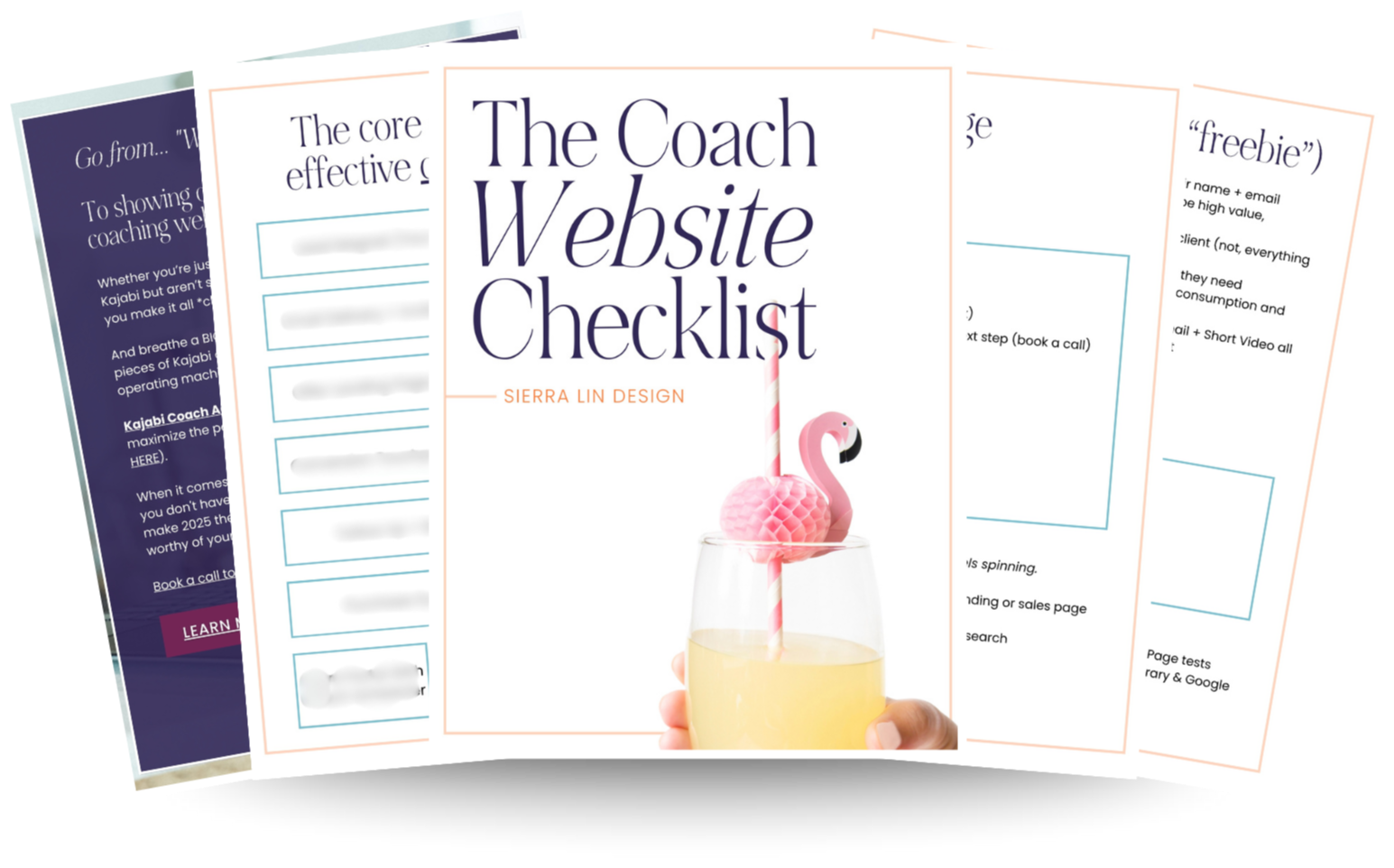
🚨Get the FREE Checklist
Skip the Kajabi tears—Swipe the free Website Checklist & Funnel Map
Exactly what should go where on your Kajabi site to maximize leads.