Why Kajabi Beats WordPress for Course Creators

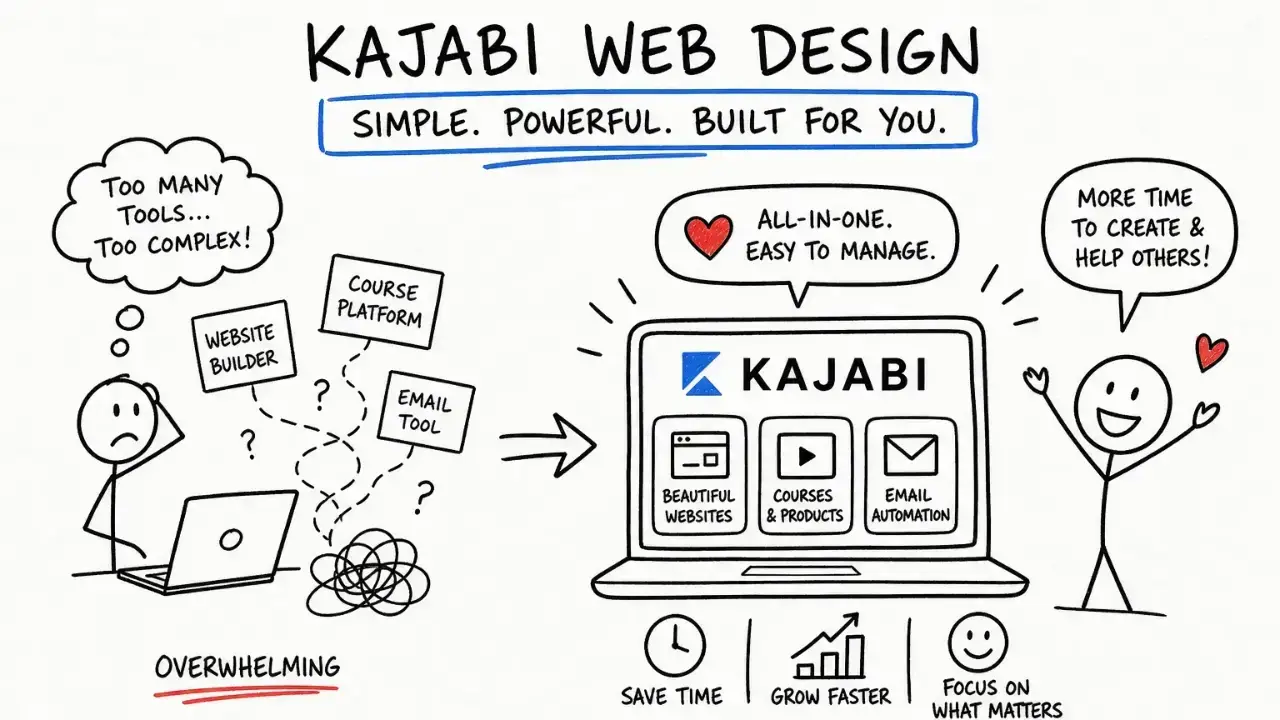
Kajabi is the best platform for creators who want to launch online courses without managing a stack of disconnected tools. The Kajabi vs WordPress comparison comes down to one core trade-off: Kajabi gives you hosting, email marketing, sales funnels, checkout pages, and analytics under one subscription, while WordPress hands you unlimited customization and an equally unlimited to-do list. For coaches and entrepreneurs who want to spend time teaching rather than troubleshooting, why Kajabi beats WordPress creators is not a close debate. It wins on speed, simplicity, and integrated marketing from day one.
Why Kajabi beats WordPress creators on time and setup
The single biggest reason creators choose Kajabi is that it removes the maintenance tax entirely. WordPress requires you to manage your own hosting, install and update plugins, patch security vulnerabilities, and resolve conflicts when two plugins stop playing nicely together. That monthly maintenance burden averages 3 to 8 hours every month. For a solo coach or a small team, that is a full workday gone before you write a single lesson.
Kajabi handles hosting, security updates, and platform maintenance through its internal support team. You never file a ticket with your hosting provider, your LMS plugin developer, and your email tool separately. One support team covers everything. That unified support structure alone changes the experience of running an online business.
Here is what a comparable WordPress course setup actually requires you to manage:
- A separate hosting account (providers like SiteGround or WP Engine)
- An LMS plugin such as LearnDash or LifterLMS for course delivery
- An email marketing tool such as ConvertKit or ActiveCampaign
- A payment and checkout solution such as WooCommerce with extensions
- A security plugin, a caching plugin, and regular manual updates
Kajabi bundles all of these into one platform. You log in, build your course, set up your email sequence, and launch. That is the practical difference between a platform built for creators and a CMS built for developers.
Pro Tip: Every hour you save on plugin management is an hour you can put toward recording a new module or nurturing your email list. That compounding effect on content output is where Kajabi's real ROI lives.
How do the costs of Kajabi and WordPress actually compare?
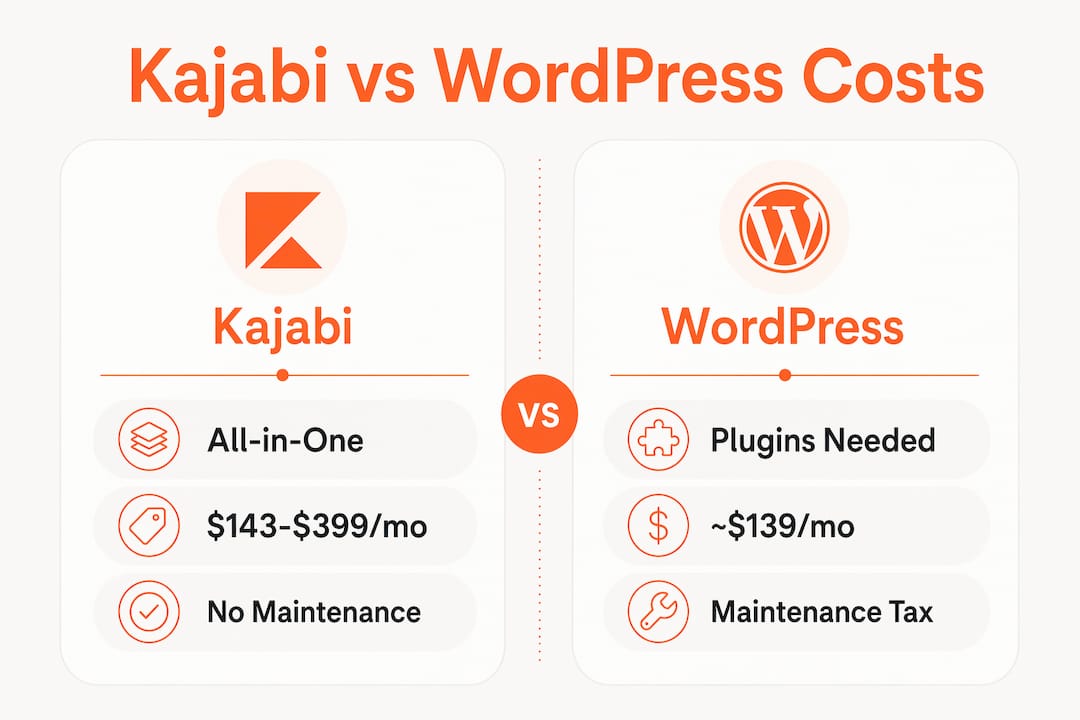
Cost is where the Kajabi vs WordPress conversation gets more nuanced. Kajabi pricing runs from $143 to $399 per month, covering everything. A comparable WordPress setup, including hosting, LMS plugin, email tool, and security, costs roughly $139 per month in direct fees. On paper, those numbers look similar.
The difference is what that $139 WordPress figure does not include: your time. If you value your hours at even $50 each, those 3 to 8 monthly maintenance hours add $150 to $400 to your real cost. Suddenly WordPress is not the budget option.
| Cost Factor | Kajabi | WordPress |
|---|---|---|
| Monthly platform fee | $143 to $399 (all-inclusive) | ~$139 (tools only) |
| Monthly maintenance time | 0 hours (handled by Kajabi) | 3 to 8 hours per month |
| Support structure | Single unified team | Multiple vendors |
| Migration flexibility | Limited data export | Full data ownership |
| Cost recovery on migration | N/A | 12 to 18 months after switching |
The cost recovery timeline for migrating from Kajabi to WordPress is typically 12 to 18 months. That means if you are generating solid revenue and want to reduce platform fees long-term, WordPress pays off eventually. But for creators in their first year or two, the time cost of managing WordPress often exceeds the savings.
Pro Tip: If your course business is generating under $3,000 per month, Kajabi's all-in pricing almost always wins on total cost when you factor in your time. Revisit the math once you cross that threshold.
Does Kajabi's course builder beat WordPress for non-technical creators?
For creators who are not developers, Kajabi's course builder is genuinely easier to use than any WordPress LMS setup. Kajabi lets you add video lessons, quizzes, and surveys inside a single design environment. Everything is connected. Your course, your checkout page, and your post-purchase email sequence all live in the same system and talk to each other automatically.

WordPress with a plugin like LearnDash or BuddyPress gives you more power, but that power comes with complexity. Setting up a course with discussion forums, learner profiles, and group cohorts on WordPress requires technical configuration that most users simply do not have time for. The community features on Kajabi are lighter by comparison, but they are directly linked to your courses and require zero setup friction.
Here is where each platform genuinely excels for course delivery:
- Kajabi excels at: Quick course launches, automated student onboarding, integrated video hosting, and connected email sequences
- WordPress excels at: SCORM-compliant courses, complex learning paths, advanced community forums via BuddyPress, and multi-instructor setups
For the solo coach launching a signature program or a group coaching container, Kajabi's course builder is purpose-built for your workflow. You are not adapting a general-purpose CMS to fit your needs. The platform was designed around exactly what you do. That distinction matters more than any feature checklist.
SEO and content ownership: where WordPress pulls ahead
WordPress holds a real advantage in SEO and long-term content marketing. It supports advanced plugins like Yoast SEO and Rank Math, giving you granular control over URL structure, schema markup, and technical SEO elements. WordPress also offers an extensive plugin directory, which matters when you want to connect your site to analytics tools, CRMs, or ad platforms.
Kajabi's SEO tools are functional but limited. You can edit page titles and meta descriptions, but you cannot customize URL slugs with the same depth, and schema markup options are minimal. For creators building a long-term organic traffic strategy, that gap is real.
The ownership question is even more pointed. Consider these facts about platform lock-in:
- Kajabi stores your course content, student data, and business assets on its own servers.
- Export options are limited by what Kajabi's platform allows, not by what you need.
- WordPress hosts all files and databases on your own server, giving you complete portability.
- If Kajabi changes its pricing or shuts down a feature, you have limited recourse.
"Platform lock-in is a major risk for Kajabi users. Full data ownership remains a competitive advantage for WordPress that no convenience feature can fully offset." — Data ownership insight
That said, most creators building their first or second course are not running an SEO content operation. They need to launch, sell, and deliver. For that goal, Kajabi's trade-offs are worth accepting. The Kajabi ecosystem benefits for business owners in their early growth stage consistently outweigh the SEO limitations. The time to care deeply about schema markup is after you have a proven offer and a growing audience.
Key takeaways
Kajabi beats WordPress for course creators because it eliminates the technical overhead of hosting, plugins, and maintenance while delivering integrated email marketing, sales funnels, and course delivery in one platform.
| Point | Details |
|---|---|
| All-in-one advantage | Kajabi bundles hosting, email, checkout, and analytics, removing the need for multiple tools. |
| Real cost comparison | WordPress costs roughly the same in fees but adds 3 to 8 hours of monthly maintenance time. |
| Course delivery ease | Kajabi's builder connects courses, checkout, and email automatically with no technical setup. |
| SEO and ownership trade-off | WordPress offers stronger SEO tools and full data ownership, which matters more at scale. |
| Revenue breakeven point | Kajabi's convenience wins below $3,000 to $5,000 monthly revenue; WordPress pays off above it. |
My honest take on when to choose Kajabi over WordPress
I have worked with enough business owners to say this clearly: most of them do not need WordPress, at least not yet. When you are building your first course, your energy belongs on your content, your offer, and your clients. Not on debugging a plugin conflict at 11pm before a launch.
Kajabi is not perfect. The SEO limitations are real, and the platform lock-in risk is something every creator should understand before committing. But for business owners making under $3,000 to $5,000 per month, the math consistently favors Kajabi. The time you save on maintenance is time you reinvest in growth.
Where I see creators make the wrong call is when they choose WordPress because it feels more "serious" or because someone told them it is cheaper. It is cheaper in fees. It is not cheaper in time. And for most business owners, time is the scarcer resource.
My recommendation: start on Kajabi, get your offer validated, build your audience, and revisit the platform question when your revenue justifies the migration investment. That 12 to 18 month cost recovery window on migration is real, and it only makes sense once you have the revenue and the team to absorb the transition.
The best platform for creators is the one that gets out of your way and lets you do your actual work. For most business owners I know, that is Kajabi.
Ready to launch your Kajabi site without the tech headaches?
At Sierra Lin Design, we build custom Kajabi websites for business owners who want a professional, strategic online presence without spending weeks figuring out the tech. Whether you are starting from scratch or refreshing an existing site, we handle the design, automation, and setup so you can focus on your clients.
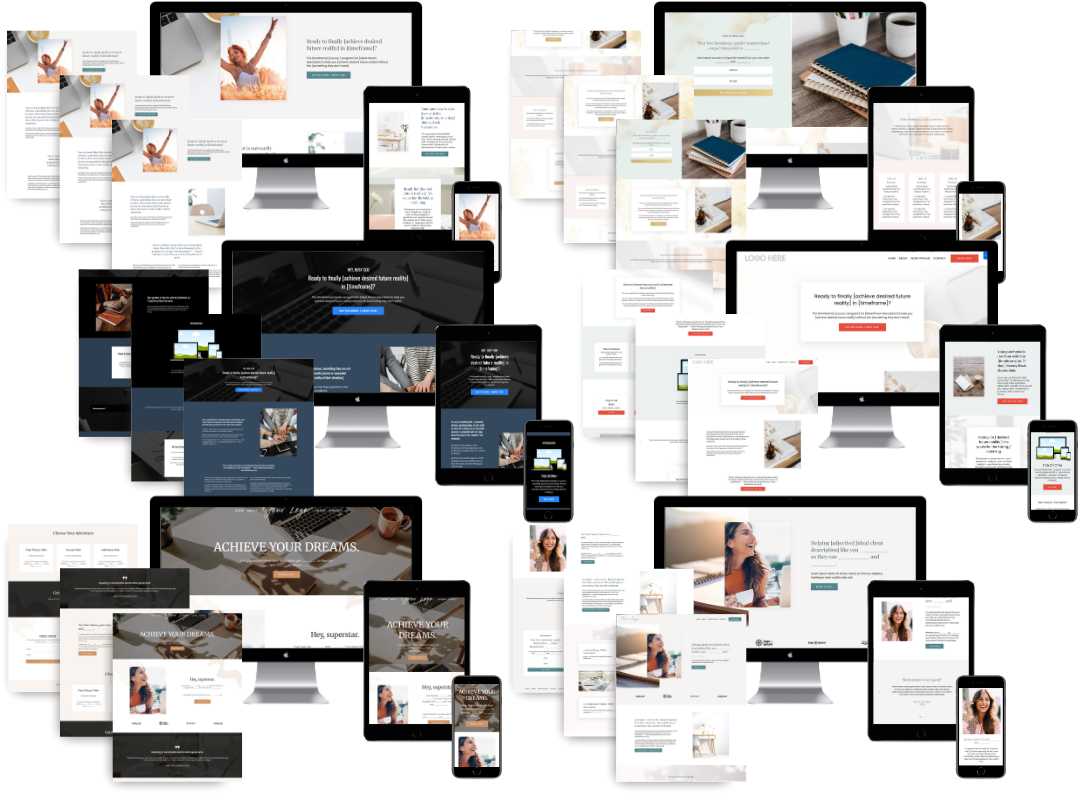
Grab our free Kajabi templates to get your course site up fast, or explore our custom Kajabi web design services if you want a fully tailored site built around your brand and offer. Either way, you will have a site that works for your business, not against it.
FAQ
Is Kajabi better than WordPress for online courses?
Kajabi is better than WordPress for creators who prioritize speed and simplicity. It bundles course hosting, email marketing, and checkout in one platform, while WordPress requires separate tools and ongoing technical maintenance.
How much does Kajabi cost compared to WordPress?
Kajabi costs between $143 and $399 per month, covering all tools. A comparable WordPress setup costs roughly $139 per month in direct fees, but adds 3 to 8 hours of monthly maintenance time that most creators underestimate.
What are the main disadvantages of WordPress for course creators?
The main disadvantages of WordPress for creators are the technical complexity of managing plugins, hosting, and security, plus the fragmented support experience when issues arise across multiple vendors.
When should a creator switch from Kajabi to WordPress?
Creators should consider switching from Kajabi to WordPress once they exceed $3,000 to $5,000 in monthly revenue and need stronger SEO capabilities, full data ownership, or advanced community features that Kajabi does not support.
Does Kajabi have platform lock-in risks?
Yes. Kajabi stores course content and student data on its own servers, and export options are limited. Creators who want full data portability and ownership are better served by WordPress in the long run.
Recommended
 Sierra Janisse · Founder of Sierra Lin Design
Sierra Janisse is a verified Kajabi Expert who helps online business owners build profitable websites on Kajabi. From SEO and copywriting to website design, branding, automations and funnel strategy, she is the go-to expert for Kajabi users who want to attract more clients and customers with their websites.

🚨Get the FREE Checklist
Skip the Kajabi tears—Swipe the free Website Checklist & Funnel Map
Exactly what should go where on your Kajabi site to maximize leads.