Why Kajabi Design Flexibility Matters for Coaches

Kajabi design flexibility is defined as the ability to customize your site's visual identity, layout, and user experience within Kajabi's platform to match your brand and convert visitors into clients. For coaches and course creators, this flexibility is not a nice-to-have. It directly shapes how potential clients perceive your brand, how long they stay on your site, and whether they buy. Over 50% of visitors access online business sites via mobile devices, which means your design choices affect the majority of your audience on day one. Understanding why Kajabi design flexibility matters puts you ahead of coaches whose sites sit quietly in a corner, looking generic and losing sales.
Why Kajabi design flexibility matters for your brand
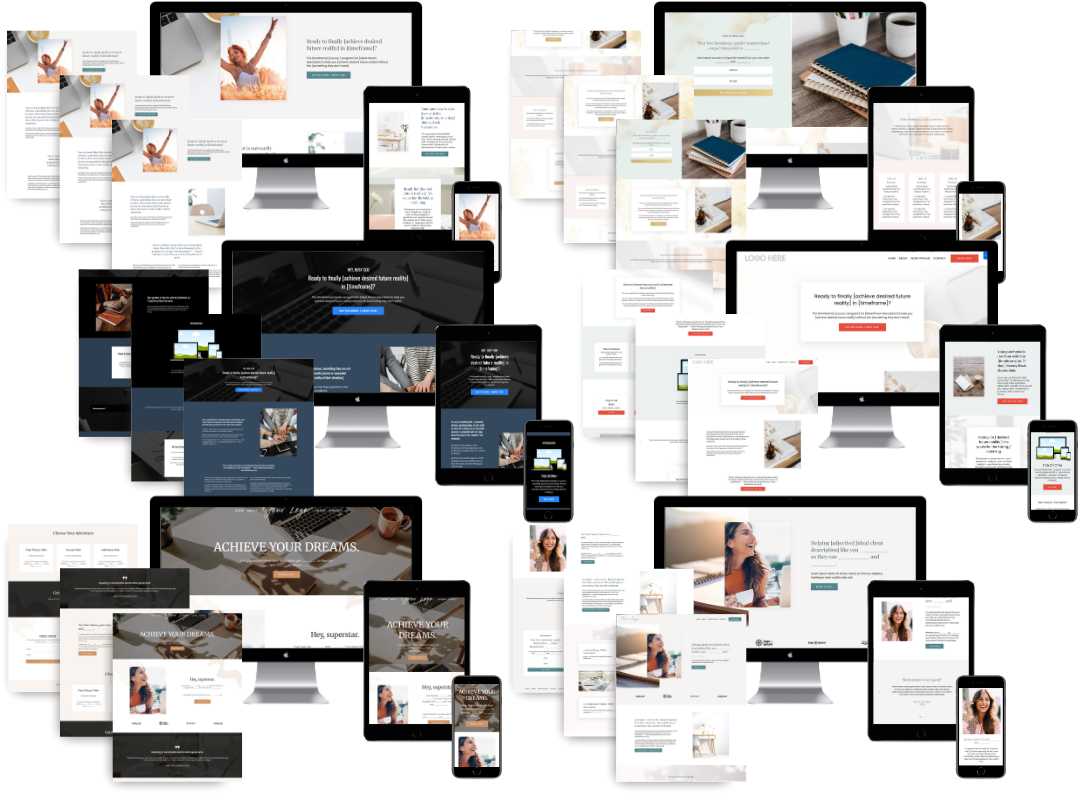
Design flexibility in Kajabi is the difference between a site that looks like everyone else's and one that actually reflects your coaching brand. Kajabi offers 14 core themes, split between 8 modern and 6 legacy options. Each theme lets you control brand colors, typography, and page layouts without writing a single line of code. That range gives coaches a real starting point for building a site that feels intentional, not cookie-cutter.
The customization options within each theme go further than most coaches realize. You can adjust font pairings, set a consistent color palette, and rearrange section layouts to guide visitors through your offer. These changes add up to a site that communicates professionalism and builds trust before a potential client reads a single word of your copy.

That said, Kajabi's themes have limits. Highly complex or pixel-perfect brand identities often require custom theme development beyond what default templates can deliver. If your brand has very specific visual requirements, knowing this upfront saves you frustration later.
Choosing the right theme for your business type matters as much as the customization itself. A membership-focused coach needs different layout priorities than a course creator launching a single flagship program. Matching your theme to your business model is the first real design decision you make on Kajabi.
- Modern themes support current design standards and work best for new builds
- Legacy themes suit coaches who built their sites earlier and want to maintain familiarity
- Custom development applies when brand guidelines exceed what themes allow
- Theme selection should reflect your primary offer type, not just visual preference
Pro Tip: Before you touch colors or fonts, map out your primary client flow. Know whether visitors land on a sales page, a webinar opt-in, or a free resource first. That flow determines which theme layout serves you best.
How does responsive design affect client engagement on Kajabi?
A site that looks great on desktop but breaks on mobile loses clients before they read your headline. A 1-second delay in page load time reduces conversion rates by 7%. That number compounds fast when your site has heavy images, unoptimized sections, or a theme that was not built with speed in mind.
Responsive design means your pages adapt automatically to any screen size, from a 27-inch monitor to a phone held in one hand. Kajabi's modern themes are built with responsiveness as a baseline. The practical benefit for coaches is that a client browsing your site during a lunch break on their phone gets the same clear, professional experience as someone sitting at a desk.
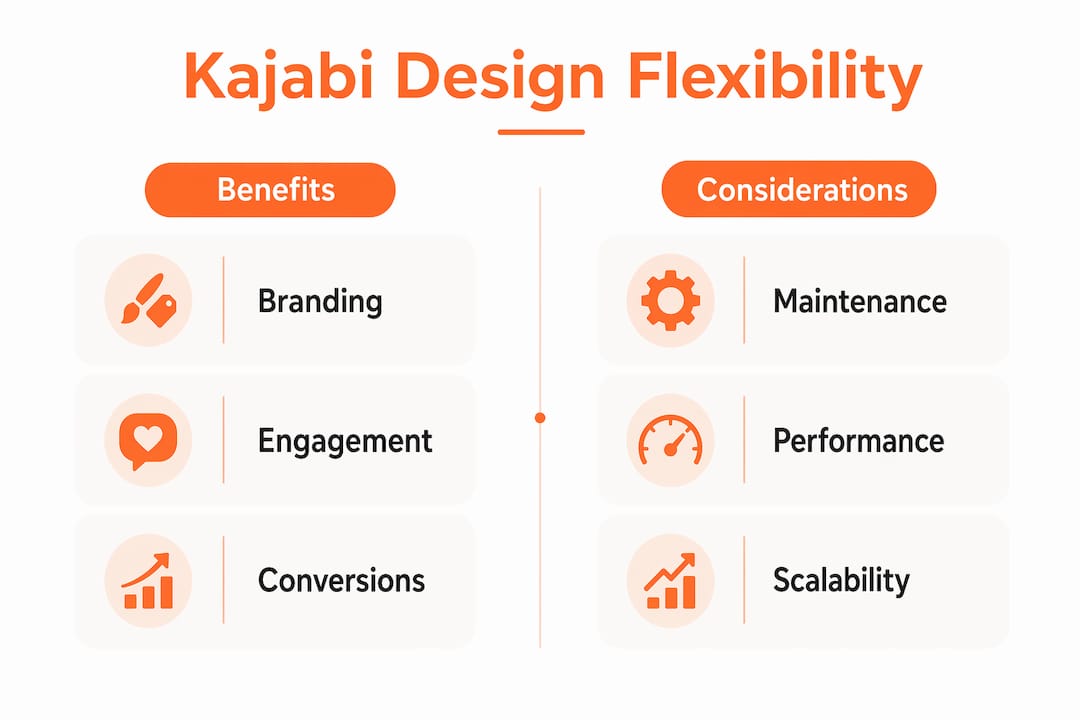
Design flexibility and site speed are connected. The more custom elements you add, the more you need to check that load times stay fast. Coaches who pile on animations, large background videos, and custom fonts often find their pages slow down in ways that hurt conversions.
The best approach balances visual impact with performance. A clean, well-structured page with your brand colors, a strong headline, and a clear call to action outperforms a visually complex page that takes three seconds to load.
- Mobile responsiveness is non-negotiable when more than half your visitors use phones
- Load speed ties directly to conversion rates, not just user experience
- Theme choice affects baseline performance before you add any custom elements
- Image optimization is the fastest way to recover speed lost through design additions
Practical strategies for Kajabi customization without the chaos
Consistency is the most underrated design asset a coach has. Kajabi's Global Styles feature lets you set fonts, colors, and button styles once, and those choices apply across every page on your site. That single habit prevents the "Frankenstein site" problem, where each page looks like it was built by a different person on a different day.
Kajabi's Builder 2.0 takes this further with reusable sections and intuitive editing that speeds up page creation without sacrificing design quality. You can build a section once, save it, and drop it into any new page. That means your opt-in pages, sales pages, and thank-you pages all feel like they belong to the same brand.
Here is a practical sequence for keeping your Kajabi site consistent and manageable:
- Set Global Styles first. Lock in your brand colors, heading fonts, and body fonts before building any pages. Every element you add after that inherits these settings automatically.
- Build a section library. Create your most-used sections, such as testimonial blocks, feature rows, and call-to-action banners, and save them as reusable templates.
- Audit pages quarterly. Check that new pages match your Global Styles. Drift happens slowly, and a quarterly review catches it before it becomes a full redesign.
- Limit font families to two. One for headings, one for body text. More than two fonts creates visual noise that distracts from your message.
- Decide when to get help. If your brand requires design work beyond what Builder 2.0 supports, custom Kajabi web design is a faster path than spending weeks fighting the platform.
Pro Tip: Use Kajabi's section duplication feature to build new landing pages from a proven layout. Start with your highest-converting page, duplicate it, and swap the copy. You keep the structure that works and cut your build time significantly.
Balancing design flexibility with operational efficiency on Kajabi
Flexibility should be treated as a core architectural requirement, not an afterthought. Coaches who build their Kajabi sites with future updates in mind spend far less time and money when they launch a new offer, rebrand, or add a membership tier. Locking yourself into a rigid design structure creates what designers call the "tax of inflexibility," where every small change requires a full rebuild.
Adding unnecessary design complexity increases testing and maintenance efforts, which directly hurts your ability to scale. A coach managing 10 custom-coded pages faces a much harder update process than one who built those same pages using Kajabi's native tools. The goal is maximum brand impact with minimum maintenance burden.
Kajabi templates prioritize function and course delivery, making them faster and operationally simpler than fully bespoke website builders. That operational simplicity is a feature, not a limitation. It means you spend more time coaching and less time managing your tech stack.
| Design approach | Brand impact | Maintenance load |
|---|---|---|
| Native themes with Global Styles | Strong, consistent | Low |
| Custom sections within Builder 2.0 | High, flexible | Low to medium |
| Fully custom theme development | Maximum control | High |
| Overdesigned pages with mixed elements | Inconsistent | Very high |
The sweet spot for most coaches sits in the middle two rows. You get a site that looks and feels like your brand without creating a maintenance project that competes with your actual business. Working with a specialist like Sierra Lin Design means you get that middle-ground result without the trial and error.
Key Takeaways
Kajabi design flexibility drives brand consistency, client engagement, and conversion rates when coaches apply it with clear structure and operational discipline.
| Point | Details |
|---|---|
| Theme selection shapes outcomes | Choose a theme based on your primary client flow, not just visual preference. |
| Mobile and speed are non-negotiable | A 1-second load delay cuts conversions by 7%, so design choices must prioritize performance. |
| Global Styles prevent brand drift | Set fonts and colors once in Global Styles to keep every page consistent as your site grows. |
| Flexibility requires a long-term view | Build with future updates in mind to avoid costly rebuilds when your offers or brand evolve. |
| Complexity has a real cost | Overdesigned sites increase maintenance load and slow down your ability to launch and scale. |
What I've learned about Kajabi design after working with coaches
Most coaches come to me after spending weeks inside Kajabi trying to make a template feel like their brand. They've changed the colors, swapped the fonts, and still feel like the site doesn't look like them. Here's what I've found: the problem is almost never the theme. It's that the design decisions were made without a clear brand foundation underneath them.
The coaches who get the best results from Kajabi's customization options are the ones who know exactly what they want before they open the editor. They have a defined color palette, a clear typography system, and a mapped-out client flow. Kajabi's tools, especially Builder 2.0 and Global Styles, are genuinely good. But they reward coaches who bring clarity to the process.
I've also seen the opposite: coaches who over-customize to the point where their site becomes a maintenance burden. Every new page requires a design decision because there's no system holding it together. That's the "Frankenstein site" problem, and it's more common than you'd think. The fix is almost always to simplify, not to add more.
My honest recommendation is to use Kajabi's native tools as far as they take you, then bring in expert help for the gaps. You can check out real examples in the portfolio to see what's possible when design flexibility is applied with intention. For coaches who want to manage their client experience alongside a well-designed site, pairing good design with solid client management tools makes the whole operation run more smoothly.
The coaches who scale fastest are not the ones with the most complex sites. They're the ones with clear, consistent, fast-loading sites that make it easy for a visitor to say yes.
Ready to put your Kajabi design to work
If your Kajabi site doesn't feel like your brand yet, you don't need to start over. You need a clear design system and the right starting point. Sierra Lin Design offers free Kajabi templates built specifically for coaches, so you can see what a well-structured, brand-ready site looks like before you build. For coaches who want a fully custom site without the tech headaches, the custom Kajabi web design service handles everything from brand strategy to launch, so your site is ready to convert from day one.
FAQ
What is design flexibility in Kajabi?
Design flexibility in Kajabi refers to the ability to customize themes, layouts, colors, and typography to match your brand without coding. Kajabi offers 14 core themes with built-in customization tools, including Global Styles and Builder 2.0.
How many themes does Kajabi offer?
Kajabi offers 14 themes total, split between 8 modern and 6 legacy options. Each theme supports brand color, font, and layout adjustments without requiring custom code.
Does Kajabi design affect conversion rates?
Yes. A 1-second delay in page load time reduces conversion rates by 7%, which means design choices that slow your site directly cost you sales.
When should a coach use custom Kajabi theme development?
Custom theme development makes sense when your brand identity requires pixel-perfect design that Kajabi's default themes cannot deliver. For most coaches, Builder 2.0 and Global Styles cover the majority of branding needs.
What is the best practice for maintaining design consistency on Kajabi?
Set your Global Styles before building any pages, then use reusable sections from Builder 2.0 to keep every page visually aligned. Auditing your pages quarterly prevents brand drift as your site grows.
Recommended
 Sierra Janisse · Founder of Sierra Lin Design
Sierra Janisse is a verified Kajabi Expert who helps online business owners build profitable websites on Kajabi. From SEO and copywriting to website design, branding, automations and funnel strategy, she is the go-to expert for Kajabi users who want to attract more clients and customers with their websites.
🚨Get the FREE Checklist
Skip the Kajabi tears—Swipe the free Website Checklist & Funnel Map
Exactly what should go where on your Kajabi site to maximize leads.