Why Kajabi Pricing Tiers Differ: A 2026 Creator's Guide

Kajabi pricing tiers differ because each plan is built around a distinct operational scale, not just a feature checklist. The Basic, Growth, and Pro plans set hard limits on products, contacts, websites, and admin seats, then gate advanced tools like affiliate programs, custom code, and AI features behind higher tiers. Understanding these Kajabi pricing differences helps you pick the plan that matches where your business actually is right now, not where you hope it will be in two years. Kajabi repositioned its pricing in 2026 toward established, revenue-generating creators rather than hobbyists or those still validating an idea.
Why Kajabi pricing tiers differ: feature access by plan
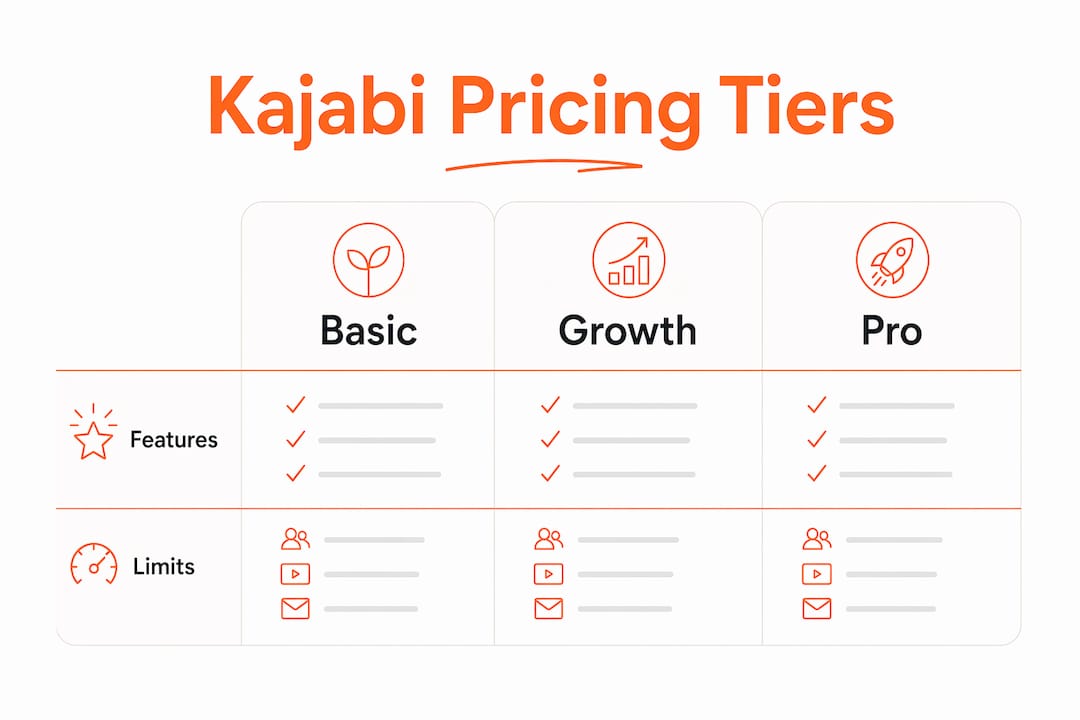
The clearest way to understand Kajabi pricing differences is to look at what each tier actually unlocks. The tier limits break down like this: Basic supports 5 products and 2,500 contacts, Growth supports 50 products and 25,000 contacts, and Pro supports unlimited products and 100,000 contacts. That is not a small gap. A creator who launches a second course, a membership, and a digital download simultaneously will hit the Basic ceiling fast.
Beyond product and contact counts, the feature gaps are significant:
- Affiliate program access: Locked to Growth and Pro plans only.
- Advanced automations: Available on Growth and Pro, not Basic.
- Custom code editor: Restricted to Pro tier, limiting pixel tracking, A/B testing, and deep branding control.
- Kajabi AI suite: Unlocked at higher tiers.
- Admin seats: Basic allows 1 admin, Growth allows 10, Pro allows 25.
- Websites and communities: Basic supports 1 of each; Pro supports up to 3, which matters for multi-brand entrepreneurs and agencies.
| Feature | Basic | Growth | Pro |
|---|---|---|---|
| Products | 5 | 50 | Unlimited |
| Contacts | 2,500 | 25,000 | 100,000 |
| Websites | 1 | 1 | 3 |
| Affiliate program | No | Yes | Yes |
| Custom code editor | No | No | Yes |
| Admin seats | 1 | 10 | 25 |
Pro Tip: If you plan to run an affiliate program as part of your launch strategy, you need Growth tier at minimum. Do not build your launch plan around a feature you cannot access.
How operational capacity drives upgrades
Tier limits do not just describe what you get. They actively push you toward the next plan as your business grows. The contact cap is the most common trigger. Kajabi counts every lead, subscriber, and buyer toward your limit. A creator running a free lead magnet funnel can hit 2,500 contacts within months, forcing an upgrade that adds over $600 annually before any processing fees.
Here is how capacity limits create real business pressure at each stage:
- Product limits restrict experimentation. A Basic plan creator cannot add a new course, a coaching offer, and a digital product simultaneously without hitting the 5-product cap.
- Contact caps force premature upgrades. Growing an email list is core to course marketing. The 2,500-contact ceiling on Basic is low for any creator actively running ads or content marketing.
- Admin seat limits constrain team growth. Hiring a virtual assistant or an operations manager on a Basic plan means sharing your login, which creates security and workflow problems.
- Single-website limits block multi-brand strategies. Coaches who want a separate site for a group program or a second brand cannot do that until Pro tier.
Kajabi's tier structure is less about software usage and more about scaling business capabilities. Each upgrade unlocks a new operational layer, not just more storage or bandwidth.
The pricing itself reflects this logic. Basic starts at $179/month ($143 annually), Growth at $249/month ($199 annually), and Pro at $499/month ($399 annually). Annual billing offers a 20–25% discount compared to monthly billing, which rewards creators who are committed to the platform long-term.
What business benefits justify Kajabi's premium pricing?

Kajabi's pricing looks steep until you account for what it replaces. The platform bundles email marketing, course hosting, a website builder, sales funnels, and community management into a single subscription. Buying those tools separately typically costs $400–$500 per month. That means Kajabi's Growth plan at $199 annually is actually cheaper than the stack it replaces, assuming you use most of the features.
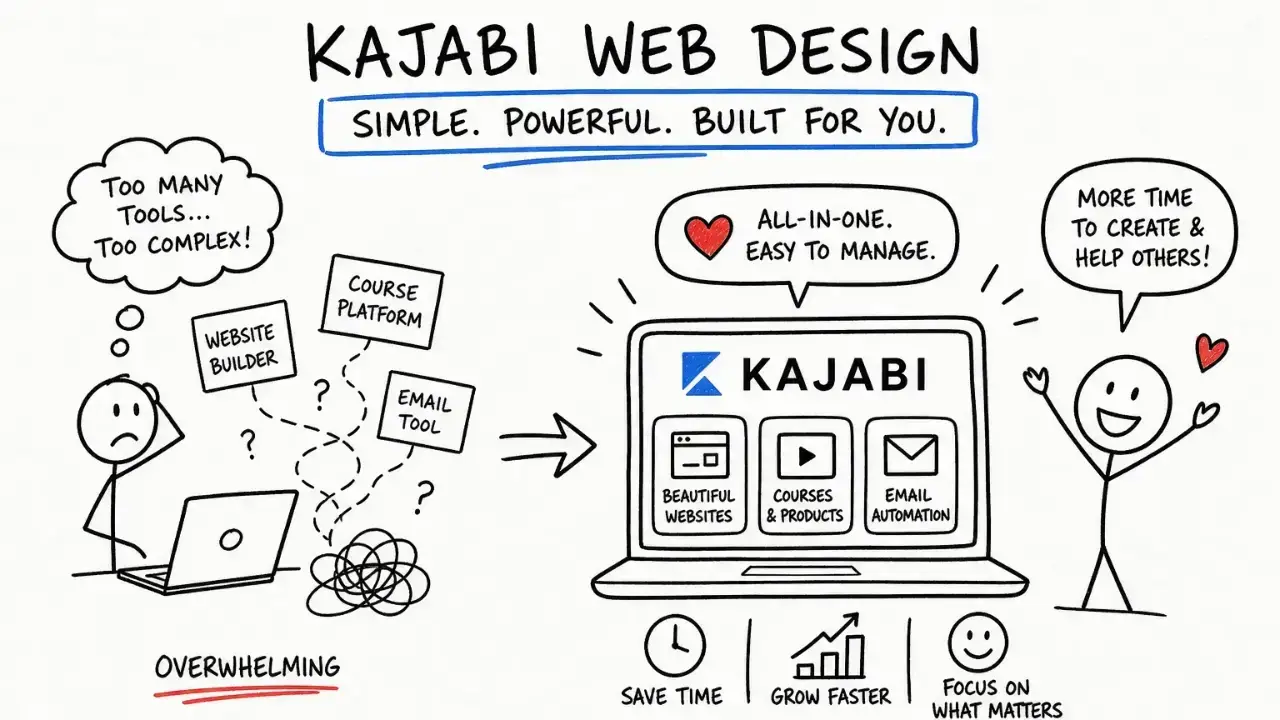
The consolidation benefit goes beyond cost. Managing five separate platforms means five logins, five billing cycles, five support teams, and five sets of integrations to maintain. Kajabi's all-in-one model removes that complexity entirely. Your email sequences, checkout pages, course content, and community all live in one place, and they talk to each other natively.
- Email marketing: Built-in broadcasts and sequences replace standalone email platforms.
- Course hosting: No separate video hosting or learning management system needed.
- Sales funnels and checkout: Native pipelines replace funnel-building tools.
- Community: Built-in community replaces third-party community platforms.
- Analytics: Unified dashboard tracks revenue, email performance, and course completion in one view.
Pro Tip: Before comparing Kajabi's price to a single tool, list every platform you currently pay for. Add those costs up. Most creators are surprised to find Kajabi is cost-neutral or cheaper once the full stack is counted.
When comparing plans, consider how you want to manage your content, email, and sales tools together. Choose a setup that fits your current workflow and leaves room for the next stage of your business.
What are the key limitations and pitfalls of Kajabi's tiered pricing?
Kajabi's pricing structure has real drawbacks that creators often discover after signing up. The most common surprise is the true cost of payment processing. Kajabi advertises 0% platform transaction fees, but payment processor fees run approximately 2.9% plus $0.30 per transaction, and surcharges vary by plan. For Basic plan creators processing international payments, the effective rate can reach up to 5.1% per transaction. That is a meaningful cut of every sale.
Other limitations worth knowing before you commit:
- No overage options. When you hit your contact limit, Kajabi does not let you pay a small overage fee. You upgrade to the next tier or stop growing your list.
- Feature gating on branding. The custom code editor is locked to Pro, meaning Growth plan creators cannot add custom pixels, advanced tracking, or deep design customizations without upgrading.
- Kickstarter plan removed. Kajabi eliminated its $89/month entry plan in 2026 and raised all tier prices by 20–25%. New creators now start at $179/month, which is a significant commitment for someone still testing their first offer.
- Low Basic product limit. Five products sounds like enough until you count a course, a coaching package, a digital download, a membership, and a free lead magnet. That is already five.
- Contact counting includes all contacts. Leads who never bought from you still count toward your cap. A large free opt-in campaign can burn through your limit without generating revenue.
The sticker shock from hidden fees and forced upgrades is one of the most common complaints from creators who did not budget for the full cost picture before signing up.
How to choose the right Kajabi pricing tier for your business
Choosing the right tier comes down to an honest assessment of where your business is today and where it will realistically be in 12 months. Here is a practical framework:
- Count your current products and planned launches. If you have 3 products now and plan to launch 2 more this year, Basic's 5-product cap will not hold you. Start on Growth.
- Estimate your contact list growth. If you run paid ads, a podcast, or active content marketing, 2,500 contacts can fill up in under six months. Model your list growth before picking a tier.
- Identify the features you actually need. Do you plan to run an affiliate program? You need Growth. Do you need custom code for pixel tracking or advanced branding? You need Pro. Do not pay for features you will not use, but do not lock yourself out of features your launch depends on.
- Factor in your team size. A solo creator can manage on Basic's single admin seat. Anyone working with a VA, a designer, or a business manager needs Growth or Pro.
- Calculate the real monthly cost. Add your subscription fee, payment processing fees, and any surcharges. For a creator doing $5,000/month in sales on Basic, a 5.1% effective processing rate costs $255/month on top of the subscription.
- Plan your upgrade timing. Annual billing locks you in for 12 months. If you are close to a contact or product limit, upgrading mid-year on a monthly plan and then switching to annual is often cheaper than upgrading an annual plan early.
Pro Tip: Check the Kajabi scalability details for your tier before you sign up. Knowing exactly when you will hit a limit lets you plan your upgrade on your terms, not Kajabi's.
Key Takeaways
Kajabi pricing tiers differ because each plan is calibrated to a specific business stage, with hard limits on contacts, products, and features that push creators to upgrade as they grow.
| Point | Details |
|---|---|
| Tiers reflect operational scale | Basic, Growth, and Pro differ by product limits, contact caps, admin seats, and feature access. |
| Contact caps trigger upgrades | Basic's 2,500-contact limit is the most common forced upgrade trigger for active creators. |
| Hidden fees raise real costs | Payment processing can reach 5.1% per transaction, significantly above the advertised 0% platform fee. |
| Bundled tools justify cost | Kajabi replaces tools that cost $400–$500/month separately, making mid-tier plans cost-competitive. |
| Pro tier unlocks customization | Custom code, multiple websites, and 25 admin seats are exclusive to Pro, driving Growth-to-Pro upgrades. |
My honest read on Kajabi's 2026 pricing shift
The 2026 pricing restructure changed the conversation for a lot of creators I work with. Removing the $89 Kickstarter plan and raising entry pricing by 20–25% sent a clear signal: Kajabi is not building for hobbyists or side-project creators anymore. That is not a criticism. It is a strategic choice, and I think it is the right one for the platform's long-term direction.
What I see most often is creators choosing a tier based on feature FOMO rather than actual business need. They upgrade to Pro because they want the custom code editor, then never use it because they do not have a developer on their team. The custom code feature is genuinely powerful for pixel tracking and advanced branding, but it only delivers value if you have the technical capacity to use it.
The platform lock-in question is real too. Once your courses, email list, community, and checkout are all inside Kajabi, migrating is painful. That is not unique to Kajabi. Any all-in-one platform creates this dynamic. The answer is not to avoid Kajabi. The answer is to go in with a clear plan for which tier you need and when you will upgrade, rather than letting contact limits or launch pressure make that decision for you.
My advice: start on the tier that fits your business today, not the one that fits your aspirations. Upgrade when a specific limit or feature gap is actively costing you revenue. That is the most rational way to approach Kajabi pricing for digital entrepreneurs.
How Sierra Lin Design helps you get more from your Kajabi plan
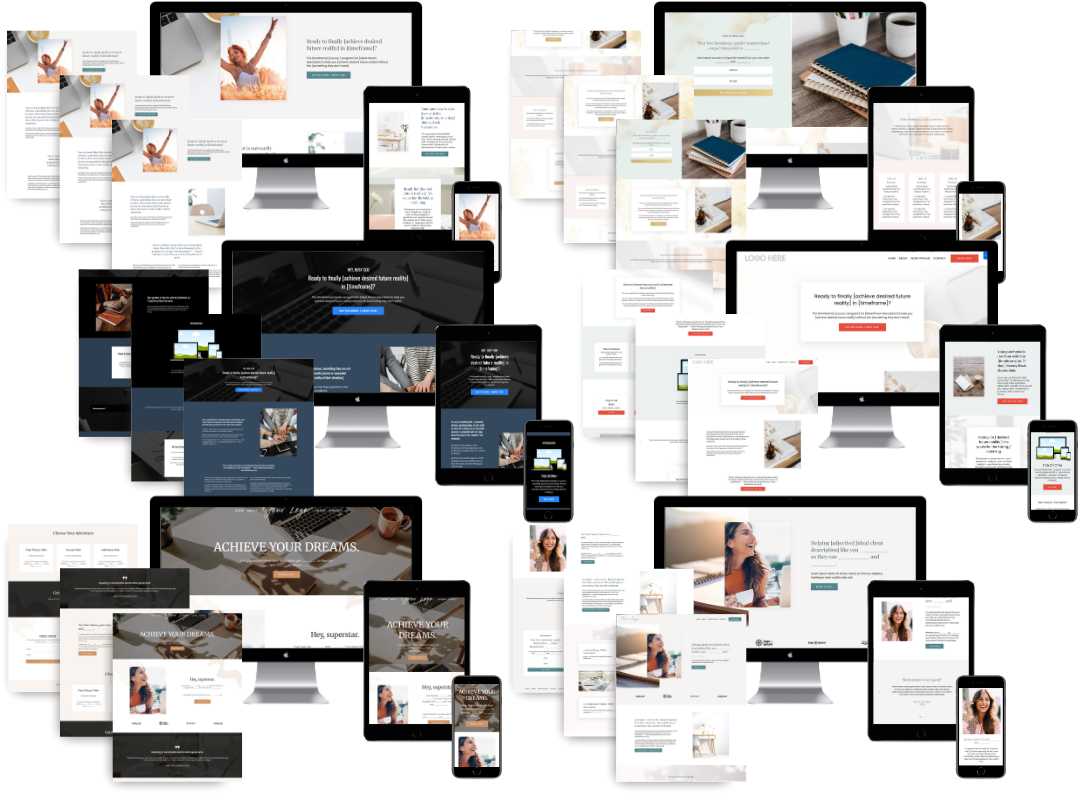
Picking the right Kajabi tier is only half the equation. Getting your site, funnels, and automations set up to actually perform is where most creators lose time and money. At Sierra Lin Design, I build custom Kajabi websites for online business owners who want their platform working like clockwork from day one. Whether you are on Basic and need a clean, conversion-focused setup, or on Pro and ready to build out a full multi-offer brand, the work is tailored to your tier and your goals. You can start by grabbing free Kajabi templates to accelerate your setup, or explore the custom Kajabi design services built specifically for coaches who are ready to grow.
FAQ
What is the main reason Kajabi pricing tiers differ?
Kajabi pricing tiers differ based on operational capacity, including product limits, contact caps, admin seats, and access to advanced features like affiliate programs and custom code. Each tier is designed to match a specific stage of business growth.
Why did Kajabi remove the Kickstarter plan in 2026?
Kajabi eliminated the $89/month Kickstarter plan and raised all tier prices by 20–25% as part of a strategic repositioning toward established, revenue-generating creators rather than hobbyists or new creators still validating an idea.
How does the contact limit affect which Kajabi plan I need?
Kajabi counts every lead, subscriber, and buyer toward your contact cap. Basic plan's 2,500-contact limit is commonly reached within months by creators running active marketing, forcing an upgrade that adds over $600 annually.
Does Kajabi really charge 0% transaction fees?
Kajabi charges no platform transaction fee, but payment processor fees of approximately 2.9% plus $0.30 per transaction still apply. For Basic plan creators processing international payments, the effective rate can reach up to 5.1% per transaction.
When does upgrading from Growth to Pro make sense?
The Growth-to-Pro upgrade is most often driven by the need for the custom code editor, multiple websites, or more than 10 admin seats, rather than contact count alone. If you need pixel tracking, advanced branding, or multi-brand management, Pro is the right tier.
Recommended
 Sierra Janisse · Founder of Sierra Lin Design
Sierra Janisse is a verified Kajabi Expert who helps online business owners build profitable websites on Kajabi. From SEO and copywriting to website design, branding, automations and funnel strategy, she is the go-to expert for Kajabi users who want to attract more clients and customers with their websites.

🚨Get the FREE Checklist
Skip the Kajabi tears—Swipe the free Website Checklist & Funnel Map
Exactly what should go where on your Kajabi site to maximize leads.