My Honest Kajabi Review After 7+ Years on the Platform
I've been building on Kajabi for 7 years, back before "Kajabi designer" or "Kajabi strategist" was even a job title. In that time, I've tested plenty of other platforms and watched what holds up over the long run (and what doesn't).
So here's my honest Kajabi review, covering what the platform does well, where it falls short, and whether it earns its price tag in 2026.
Kajabi Review: In a Nutshell
My take: Kajabi is worth it for most coaches, course creators, and online experts.
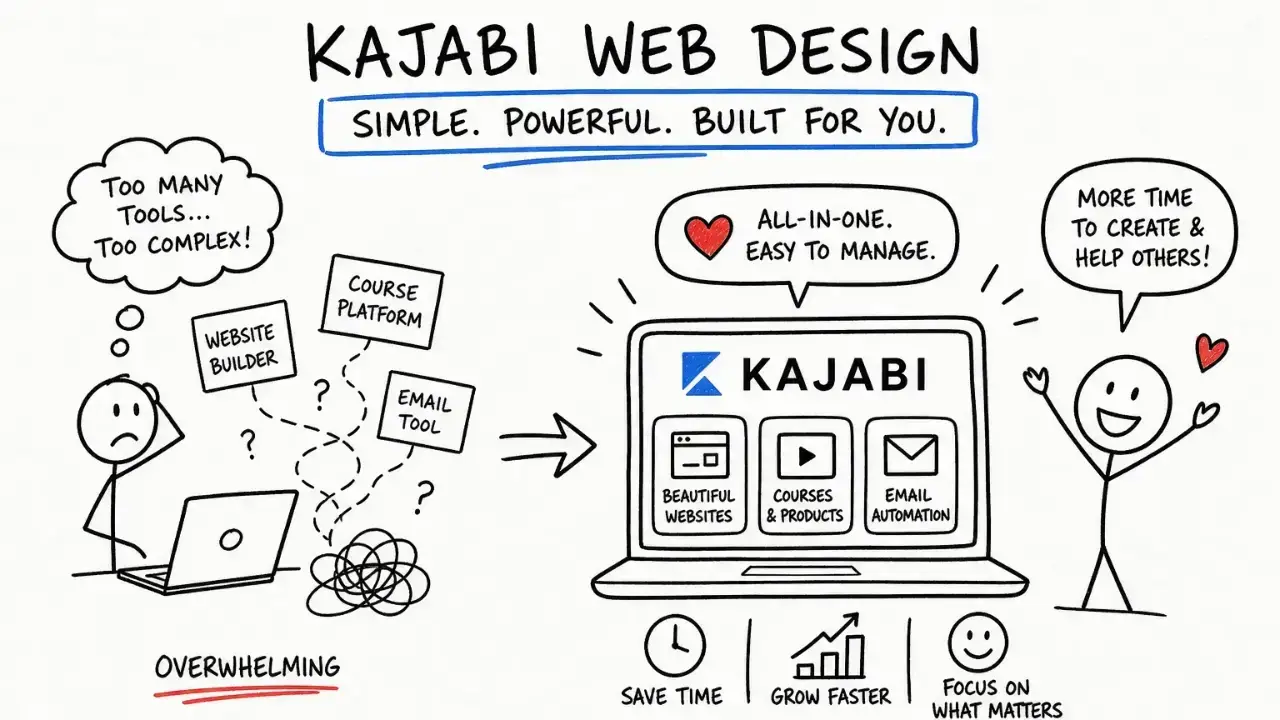
It puts your website, courses, email marketing, sales pages, and payments in one place, so you're not duct-taping five separate tools together and praying they sync.
At the same time, it's expensive. The Basic plan will cost you $143 per month (billed annually), which can make a dent in your budget.
But that price looks different once you add up what you'd otherwise pay for a separate website builder, email platform, course host, and checkout tool.
Bundled together, Kajabi often costs less than the pile of subscriptions it replaces.
Who should use Kajabi:
- You're selling online products like courses, coaching programs, ebooks, and memberships, Kajabi is the BEST!
- You want your website, email list, and checkout living in one premium system
- You're ready to commit to building your business on one platform for the long haul
Who should wait:
- You don’t have online products like courses, coaching programs, ebooks, or memberships.
- You're not yet sure what you're selling or whether you'll keep selling it
- You only need a simple one-page website and nothing more right now
- You can't commit to setting it up properly or hiring someone who will, since a half-built Kajabi is just money sitting idle
Now, let's take a closer look at Kajabi and everything you can do on the platform.
What Is Kajabi?
Kajabi is an all-in-one platform built for coaches, consultants, course creators, and online experts.
Instead of paying for a separate website builder, email tool, course host, checkout system, and community app, you get all of it under one subscription.
Take a look at this Kajabi comparison to see how it stacks up against other platforms.
What Can I Do with Kajabi?
Quite a lot, which is part of the appeal and part of the learning curve. Here's what the platform handles:
- Build your website and landing pages
- Host online courses and digital products
- Run email marketing campaigns
- Set up automations that move people through your funnel
- Create sales pages and checkout flows
- Host a community for your clients
- Track analytics on your sales, traffic, and engagement
- Take payments with 0% transaction fees through Kajabi
- Give your clients a branded mobile app to access your content
Each of these would normally be its own subscription and its own login. Kajabi rolls them into one, which is one of the reasons why so many creators succeed on the platform.
And you don't need a massive audience to make it work. Statistics show that the average six-figure Kajabi creator has somewhere between 1,000 and 10,000 followers, an email list of around 4,000 people, and just over 300 paying customers.
Learn more about what Kajabi is used for.
Kajabi Platform Review: Is It Worth It in 2026?
Let's take a look at different Kajabi features and what they can do for you.
Course and Digital Product Builder
This is Kajabi's strongest area, and it's where the platform started. You can build self-paced or cohort-based courses, structure everything into modules and lessons, and create a polished learning experience. The building tools give you:
- Video, audio, text, downloads, and quizzes
- Auto-generated transcripts
- Live sessions for up to 200 people
- Content gating, passing grades on quizzes, and completion certificates
You can also sell coaching, memberships, communities, podcasts, and digital downloads, on their own or bundled together. For most coaches and course creators, this covers everything you need.
Email Marketing and Automations
For this Kajabi email marketing review, the short version is that the email tools are excellent enough to replace your standalone email platform for pretty much all use cases.
With Kajabi, you can:
- Send one-off broadcasts
- Build automated sequences
- Segment your list with tags
- A/B test subject lines and content
- Trigger emails off behavior like a purchase, a form fill, or an event signup
Because your email list lives in the same place as your courses and checkout, everything connects without integrations. I love that the automation builder uses a simple "when this happens, do that" logic rather than a sprawling visual map. I find that clean and easy to work with.
If you're using a robust email marketing platform like ActiveCampaign, Kajabi may feel a little more basic because it doesn't have complex branching workflows. But for the vast majority of coaches, Kajabi's email handles the job very well.
Website Builder
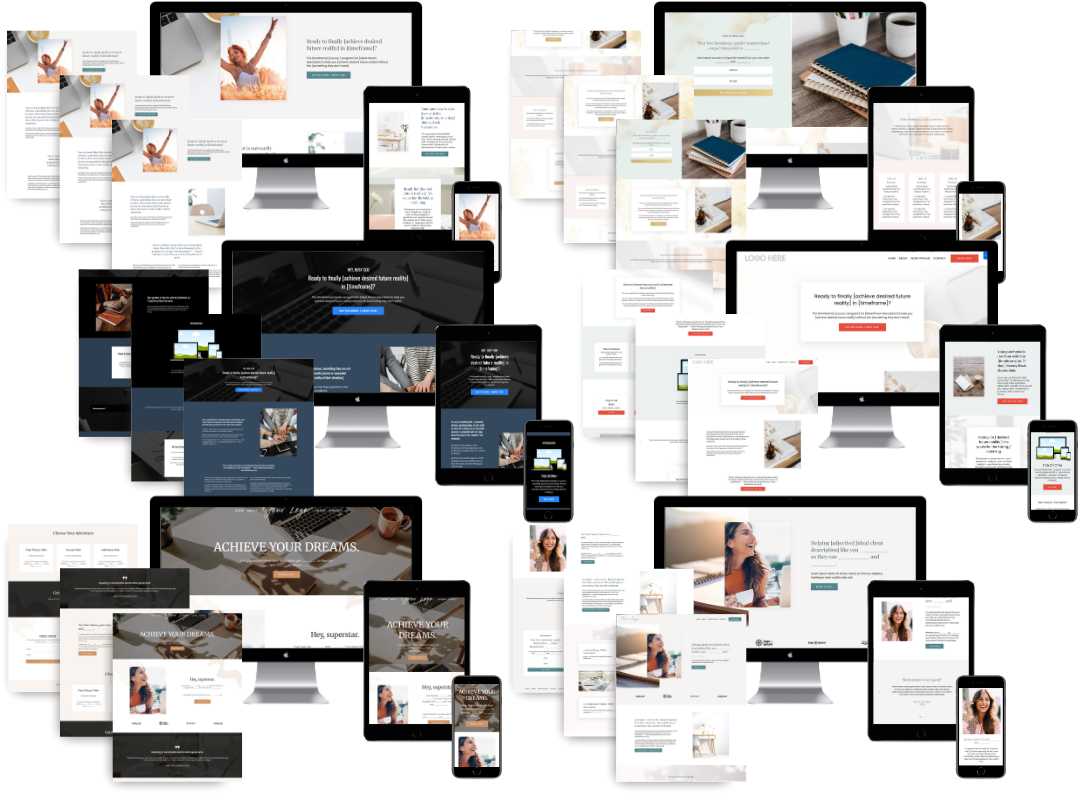
You can build a beautiful and professional website on Kajabi.
You build pages with sections and blocks, dragging prebuilt patterns onto the page and customizing them to fit your brand. It's structured and approachable, and it gives you what you need to put together a site that looks polished and converts.
However, most people get the best results is by bringing in a designer.
The builder works in sections and blocks rather than free placement, so getting a site that looks truly custom and on-brand takes someone who knows how to push the platform past the defaults.
With the right setup and some custom work, a Kajabi site can look completely bespoke.
Learn more about Kajabi SEO and how you can make it work for your website.
Sales Funnels and Pipelines
This is one of my favorite parts of the platform. Kajabi gives you prebuilt funnel templates for common scenarios like product launches, webinars, and sales pages. You can get:
- An opt-in page to capture leads
- An email follow-up sequence
- A sales page for your offer
- A connected checkout to take the payment
Because everything lives in one system, your funnel talks to your email list and your products. Someone opts in, gets tagged, drops into a sequence, and hits a checkout, with no integrations required.
If you have questions about setting up your funnel, you can also reach out to Kajabi support.
Coaching and Community Tools
Kajabi treats coaching as a product. The coaching tools can replace a whole stack of separate apps with:
- A built-in scheduler that syncs with Google Calendar and Outlook
- Native video calls for up to 200 people
- Session notes, agendas, and automatic recordings tied to each program
- Automated welcome emails, reminders, and follow-ups
The community tools are strong, too. You get:
- Member access groups to control who sees what
- Challenges, points, and badges on a leaderboard to drive engagement
- Meetups and a go-live button
- The option to unlock community access automatically when someone buys
The trade-offs are that community customization is limited, so you can brand it but not redesign it top to bottom, and moderation is manual since there are no automated filters.
But for most coaches, neither tends to get in the way.
Kajabi App Review
There are actually two Kajabi apps.
The standard Kajabi app is free for you and your clients, and it carries Kajabi's branding. You can use it to respond to comments inside your Kajabi community, check your sales, send emails to your list, and do other quick tasks when you're away from your laptop.
There's also a paid Kajabi app, which costs around $100 a month. It swaps Kajabi's branding for your own logo and branding. It gives your clients a fully custom app experience with your name on it.
If having your own branding on the app matters a lot to you, it's worth considering, but most coaches do just fine on the free standard app.
How Much Does Kajabi Cost?
Kajabi pricing has three plans: Basic, Growth, and Pro.
On annual billing, here's what you'll pay:
- Basic: $143/month
- Growth: $199/month
- Pro: $399/month
The plan you need usually comes down to how many products you're selling.
If you have fewer than five courses or programs, Basic is great. Once you go past that, or you need more contacts and team members, Growth is the natural next step.
In my experience, many coaches assume that they need a more expensive Kajabi plan than they actually do.
If you're not sure which plan makes sense for you, that's something I help figure out when we chat, and more often than not, we keep costs lower than expected.
How Much Does Kajabi Cost Per Month?
The prices above are for annual billing, where you pay for the year upfront. If you'd rather pay month to month, the plans cost a bit more:
- Basic: $179/month
- Growth: $249/month
- Pro: $499/month
Paying annually saves you about 20% compared to monthly.
If you’re thinking about Kajabi, you can use my special links to get 3 months for just $99 or try it for 30 days free.
FAQs
Is Kajabi Beginner-Friendly?
Yes, in the sense that the interface is clean and easy to use once everything is in place. However, Kajabi is a robust platform with a lot of possibilities. Easy to use and easy to set up well are two different things. To get the most out of it, with a great website, smart automations, and a funnel that runs on its own, you usually want an expert to build it out. Once it's set up properly, the day-to-day is very beginner-friendly.
Does Kajabi Own Your Content?
No. Your content, your courses, and your customer data belong to you. Kajabi is the platform you build on, not the owner of what you create. If you ever decide to leave, you can export your content and your contact list and take it with you.
Can You Cancel Kajabi Any Time?
Yes. You can cancel whenever you want. If you're on a monthly plan, your access runs until the end of that billing cycle. If you're on an annual plan, Kajabi doesn't offer prorated refunds, so you should be sure before you pay for a full year. Either way, you can export your content and customer data before you go, so you won't lose anything.
Do I Need a Website If I Have Kajabi?
No, you don't need a separate website. Kajabi includes a full website builder, so you can build your site on the platform alongside your courses, email, and checkout. Having it all in one place is part of what makes Kajabi worth it. If you already have a website somewhere else, you can keep it, but most of my clients run their whole business through Kajabi so everything connects.
Does Kajabi Payments Charge a Fee?
Kajabi doesn't take a cut of your sales as a platform commission. What you do pay is standard payment processing fees, which exist on every platform no matter where you sell. If you connect an outside processor instead of using Kajabi Payments, a small transaction fee can apply depending on your plan.
So, Is Kajabi Really Worth It?
Yes, Kajabi is worth it for most online business owners.
However, I see a lot of people sign up for Kajabi, poke around, set up a few things but not others, and end up with a half-built website and a monthly charge they feel guilty about. In that situation, no, it's not worth it. The platform can do a lot, and that's often why it sits unused when no one sets it up properly.
But once it's built out the right way, with a great website, your automations running, and your funnel in place, a lot of your business starts running on autopilot.
That's exactly what I help you do when you work with me.
If you're ready to start using Kajabi, book a call to get started and let's build something amazing.
 Sierra Janisse · Kajabi Designer, Kajabi Expert, & Kajabi Website Designer
Sierra Janisse is a verified Kajabi Expert who helps online business owners build profitable websites on Kajabi. From SEO and copywriting to website design, branding, automations and funnel strategy, she is the go-to expert for Kajabi users who want to attract more clients and customers with their websites.
🚨Get the FREE Checklist
Skip the Kajabi tears—Swipe the free Website Checklist & Funnel Map
Exactly what should go where on your Kajabi site to maximize leads.